
141 skins here · One Mac app
Find your next look.
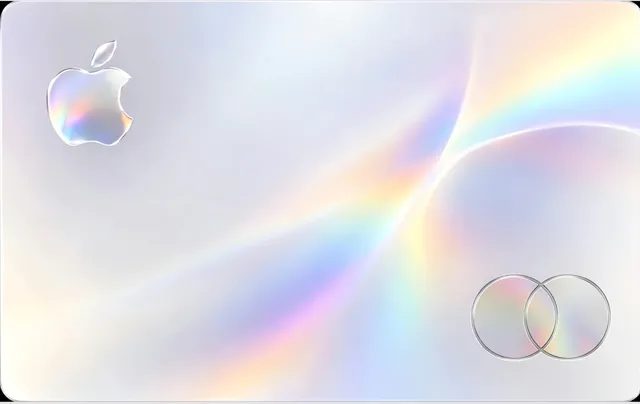
Choose a skin in Cardsmaxing for Mac, then apply it to a verified supported Wallet card on your connected iPhone.


macOS 14+ · Supported connected iPhone required · Current download is an ad-hoc signed QA build. Check compatibility.
The collection
All 141 artworks.
Showing 141 of 141 artworks


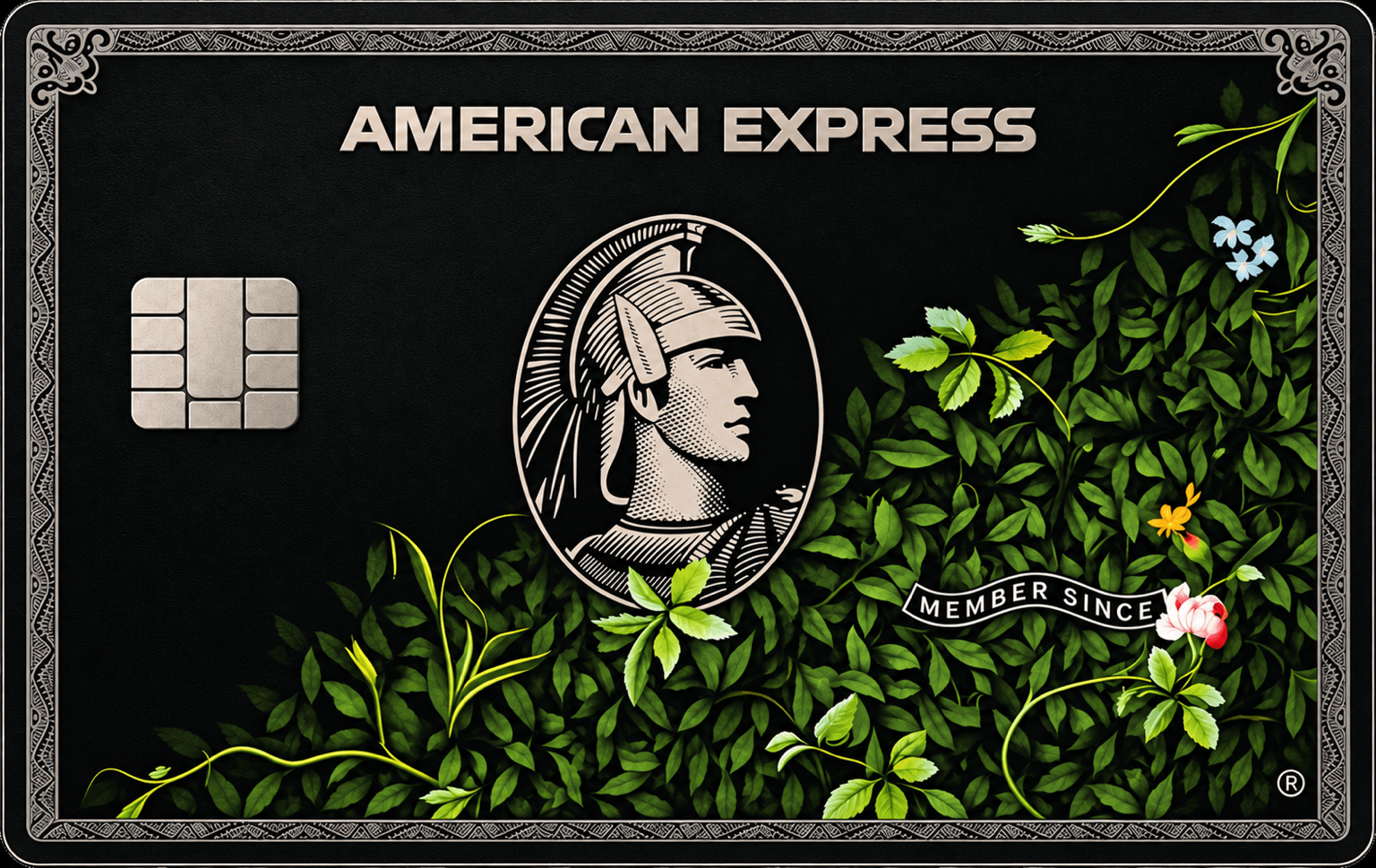


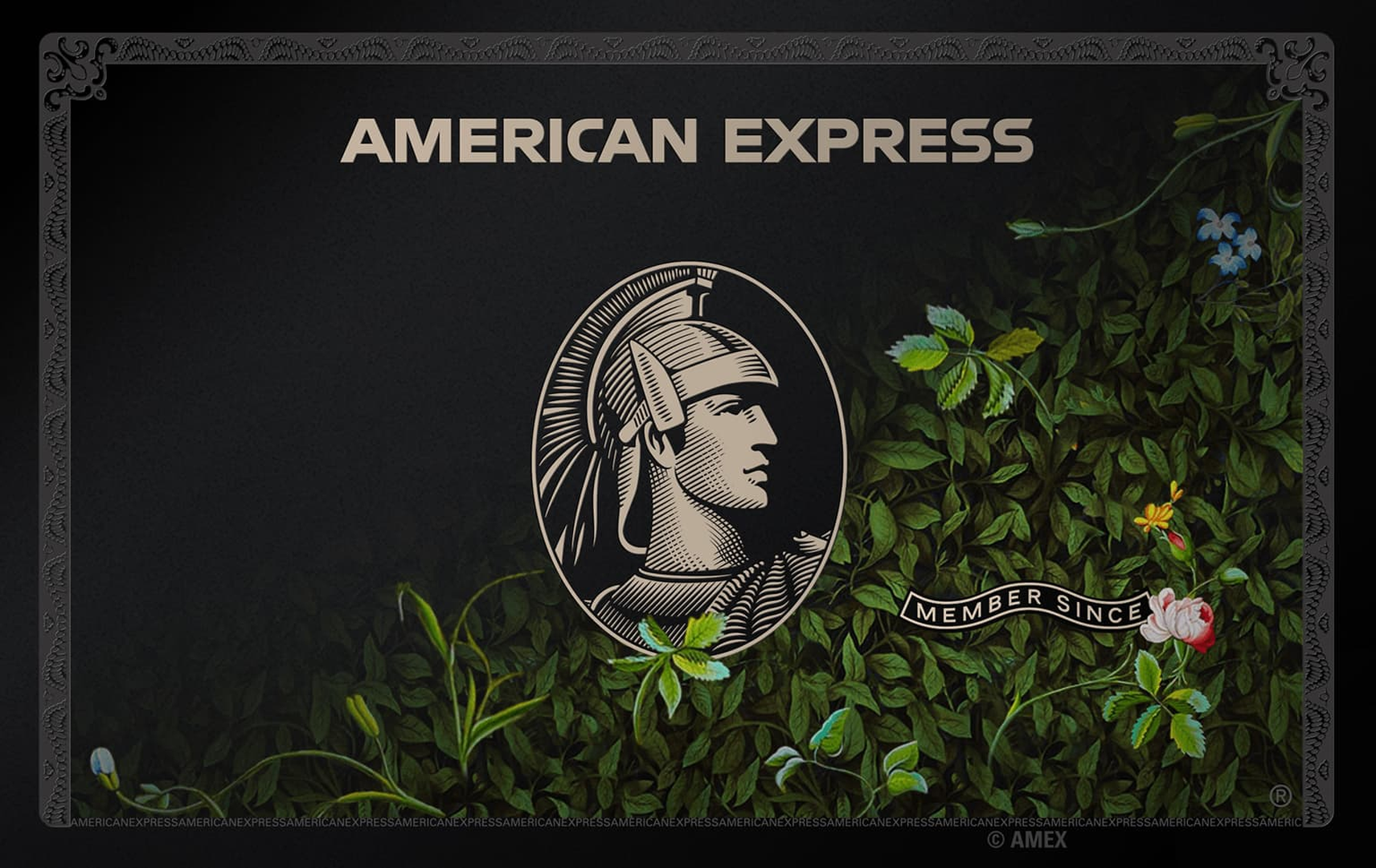

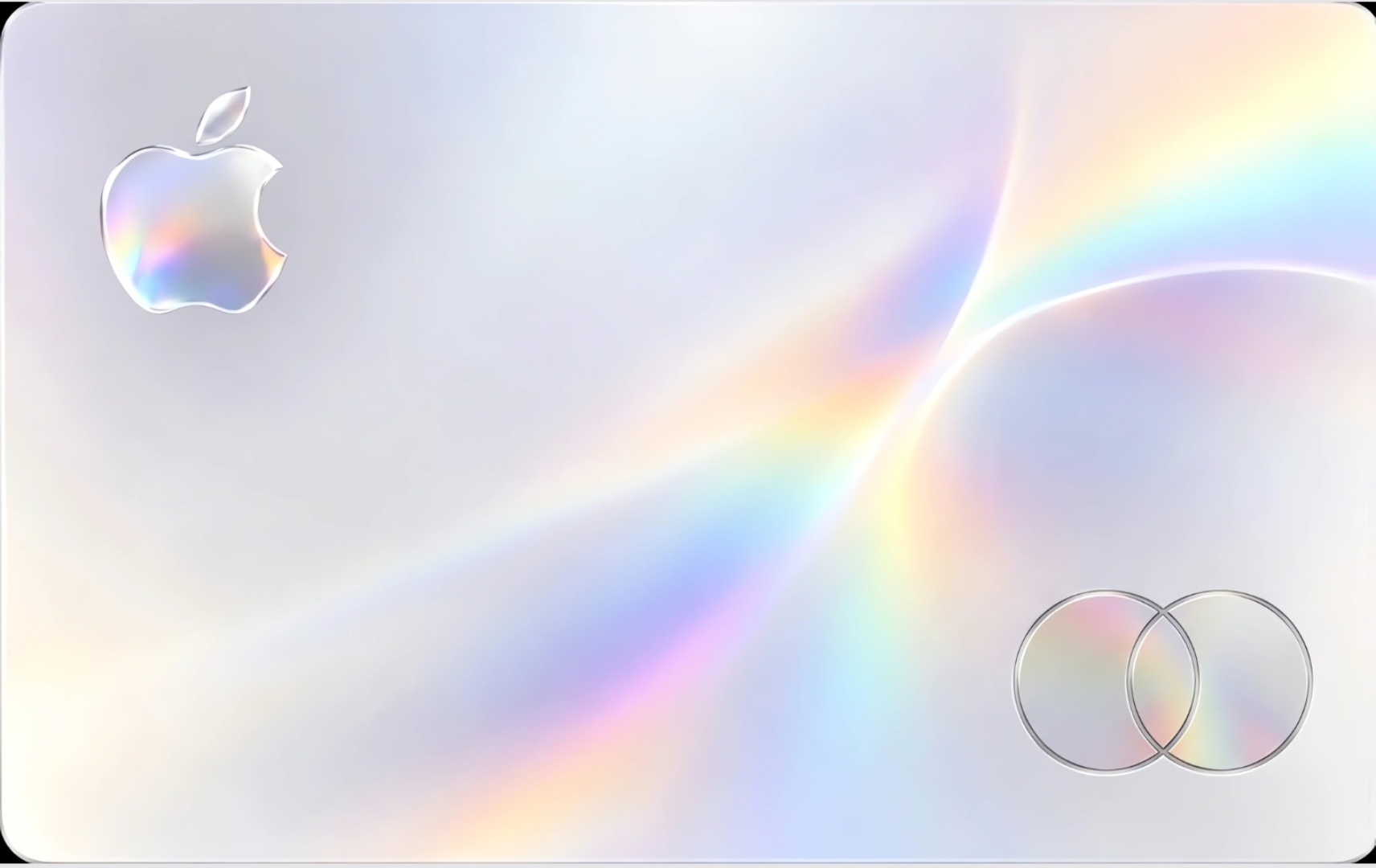



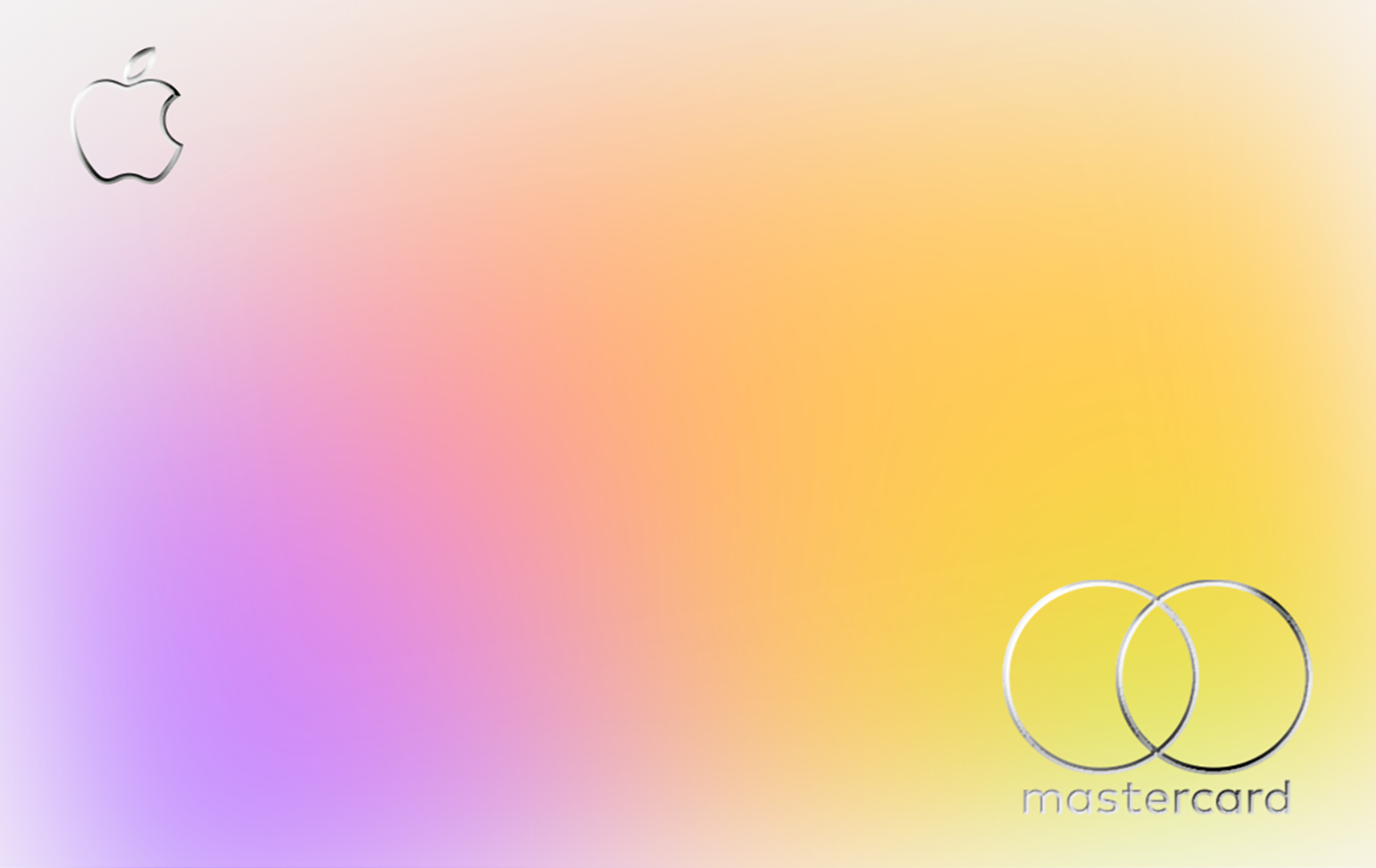






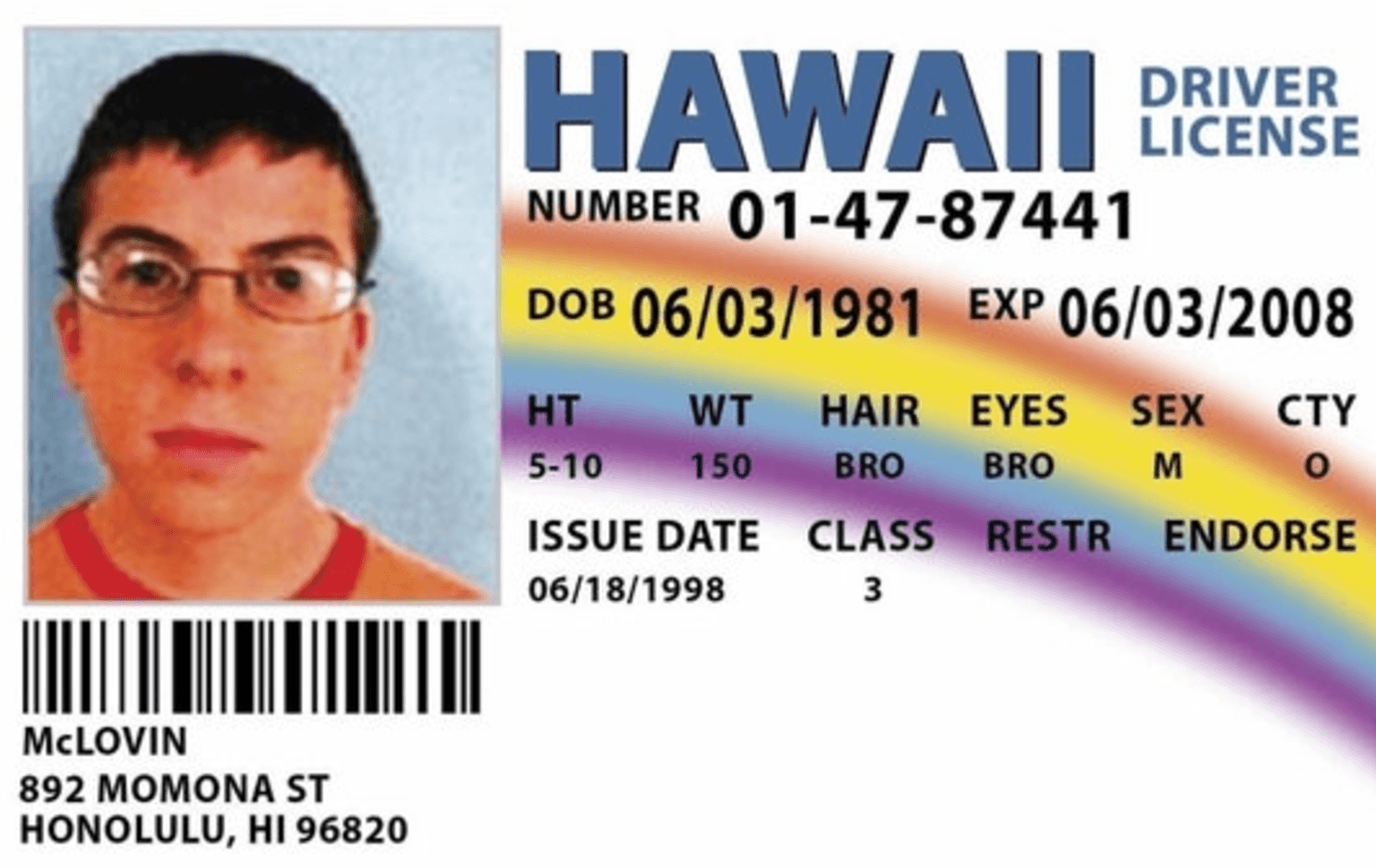








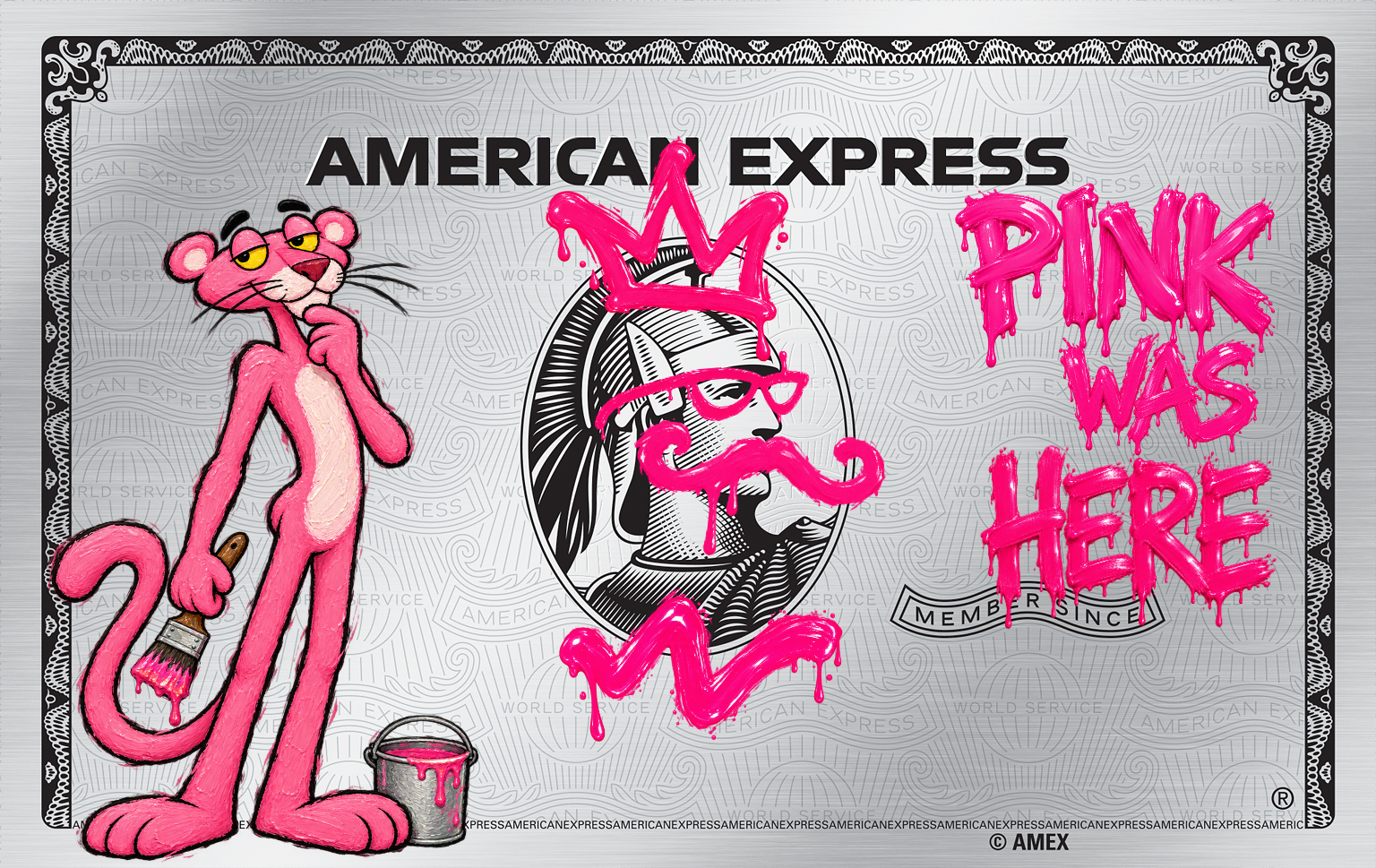

















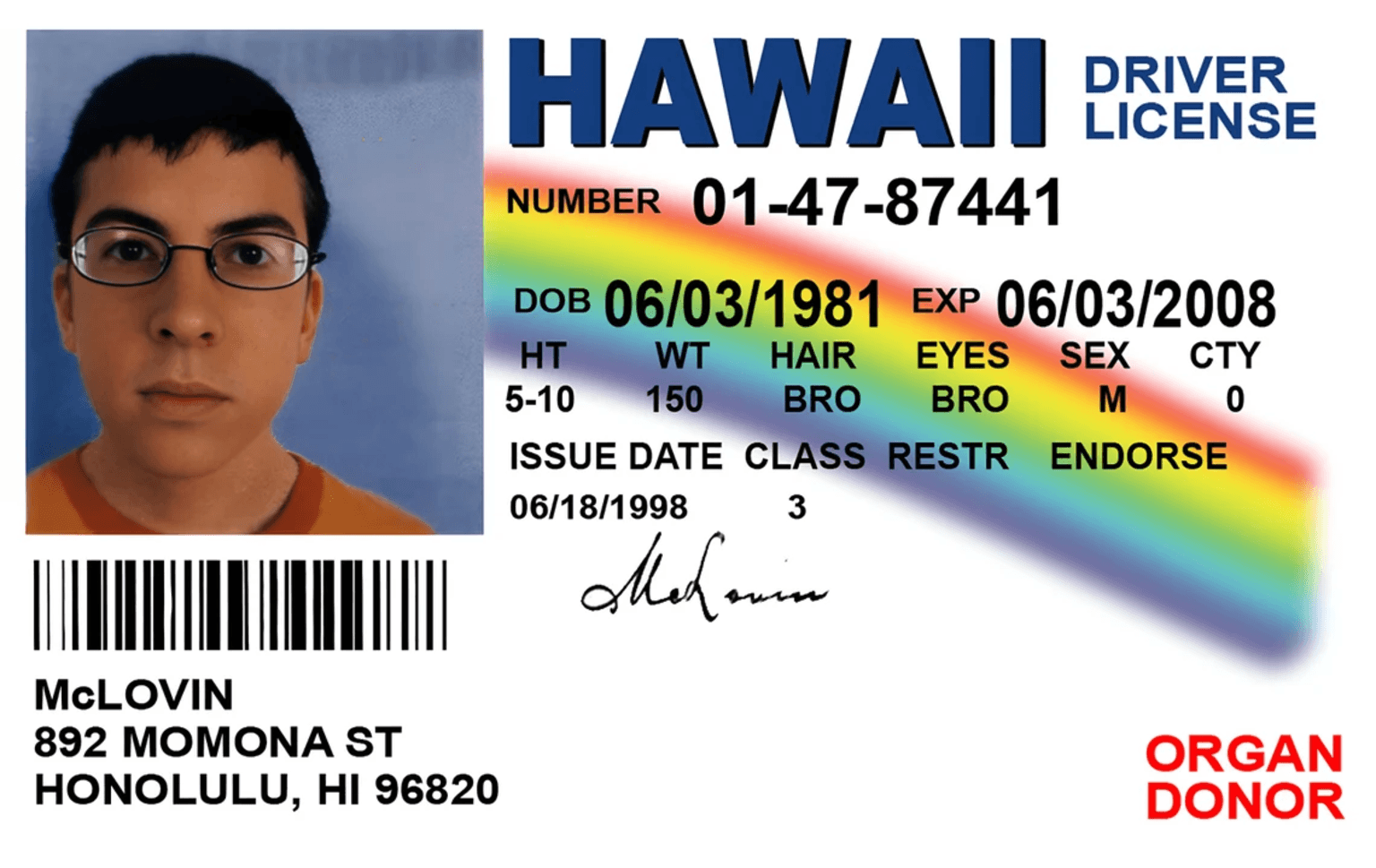


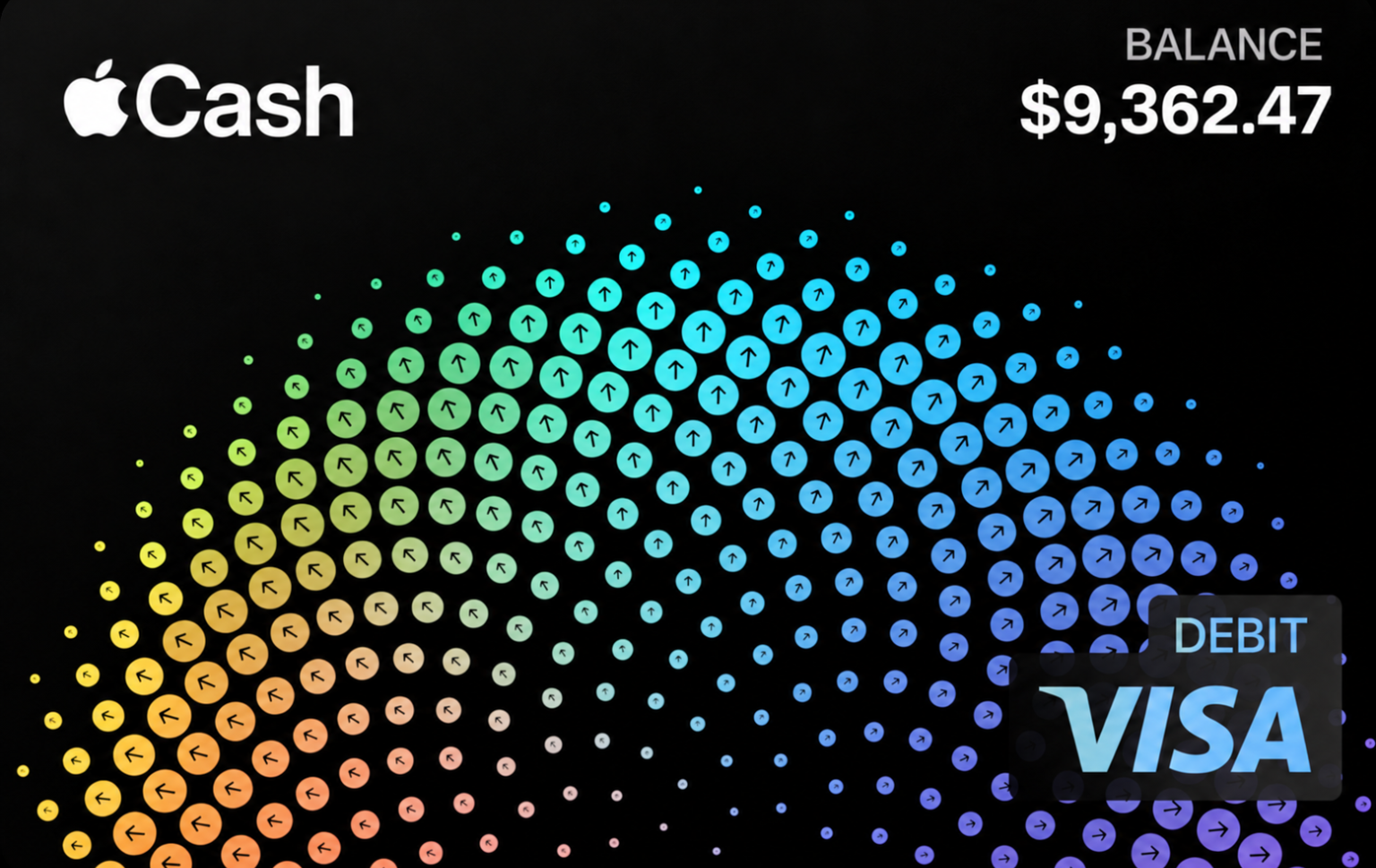















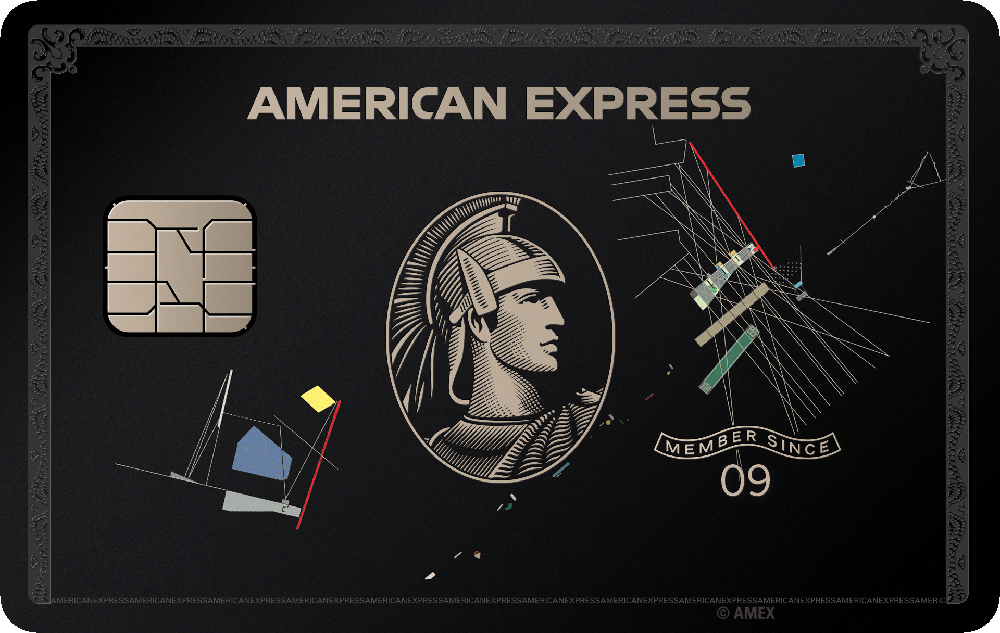
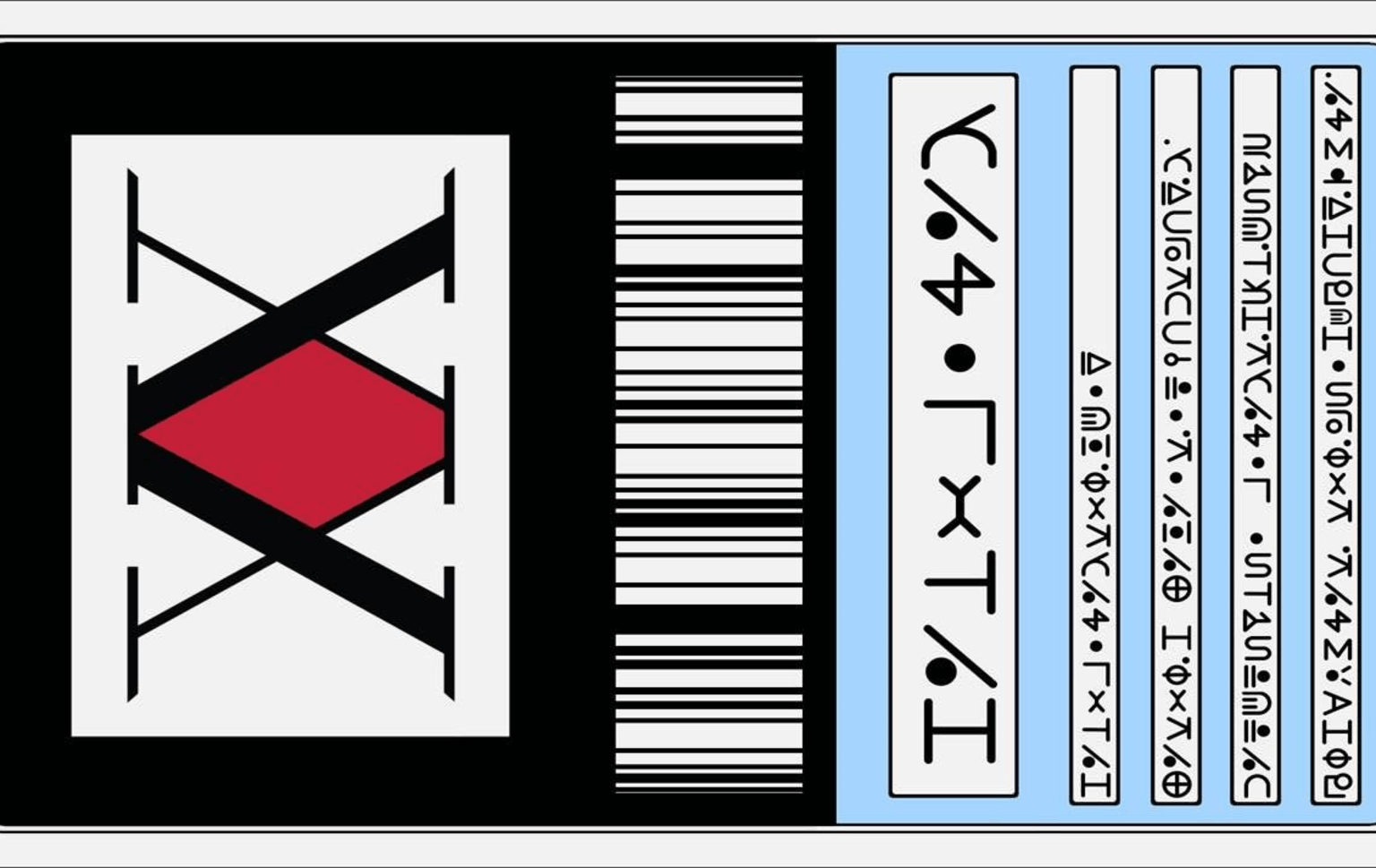













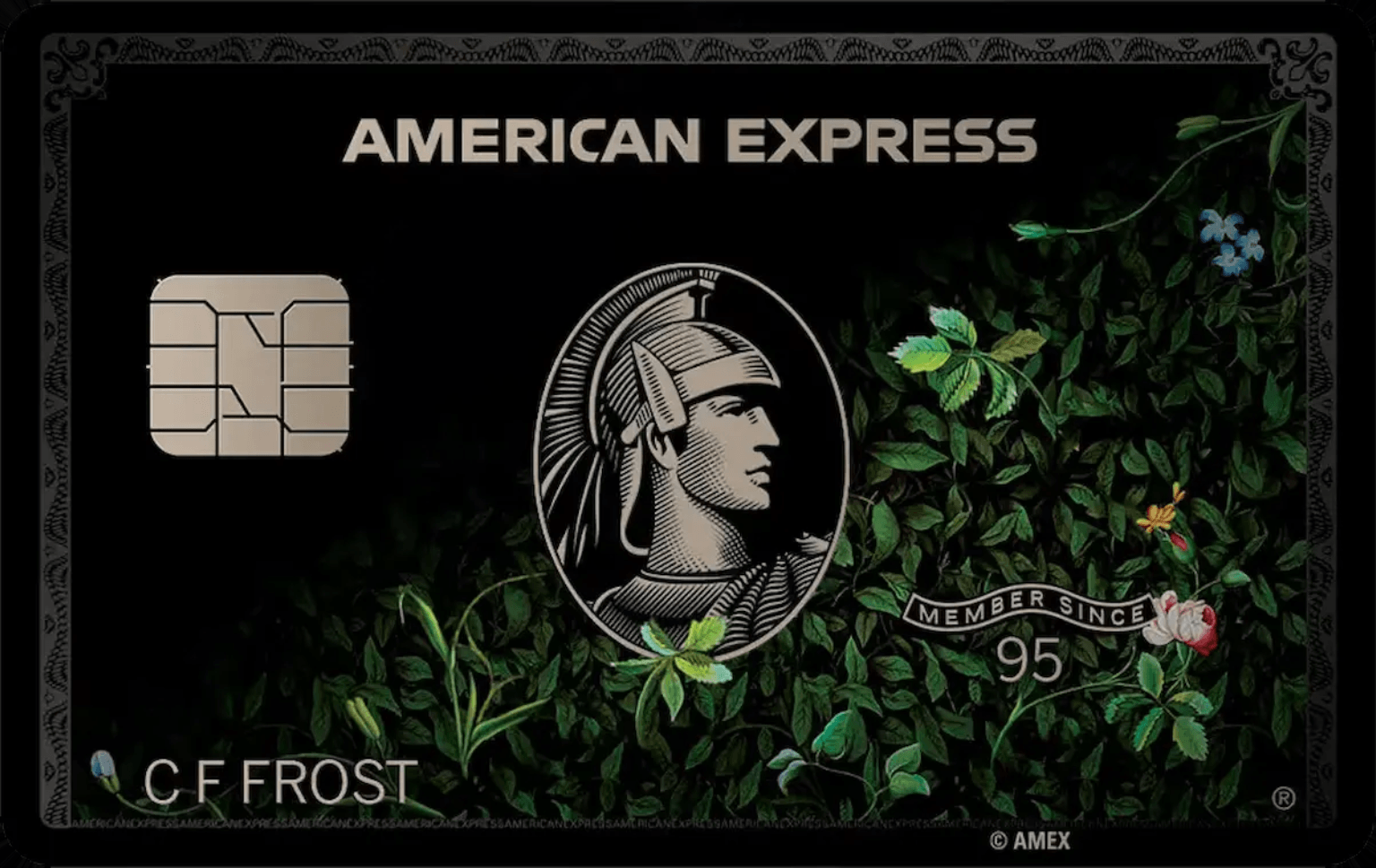


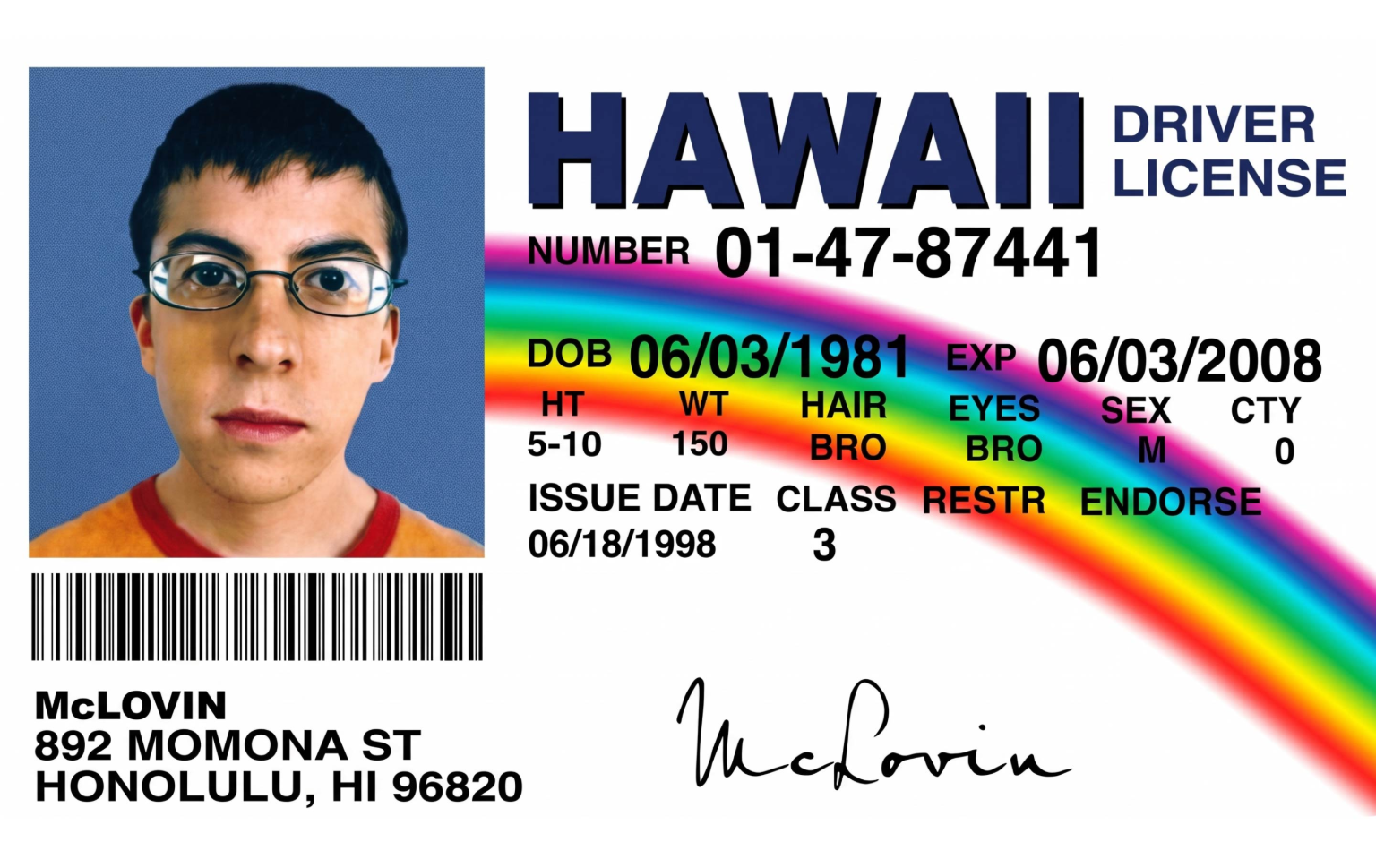








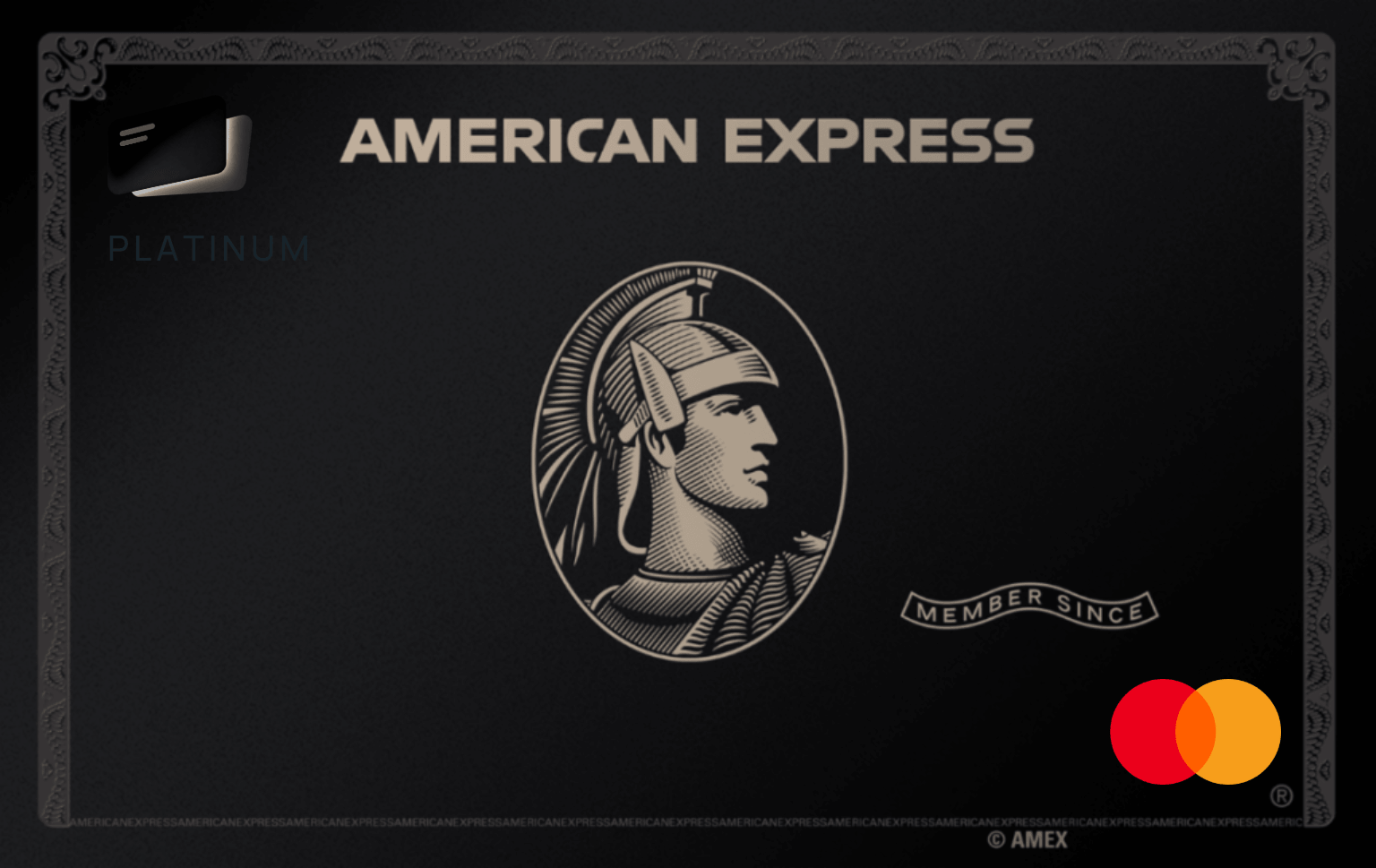





Choose a look
Search the collection and preview the design at full size.
Open the Mac app
Download Cardsmaxing free and browse the included collection there.
Select and send
Connect an unlocked, trusted iPhone, identify a verified card, assign a skin, then choose when to send it. Check compatibility first.
Make it yours
Found your next look?
Download Cardsmaxing free for macOS 14 or later. Credits or lifetime access are needed to flash artwork to a supported connected iPhone.
Community artworks are credited to their AirCards creators; regional designs are Cardsmaxing concepts. Names, marks and designs may belong to third parties. Cardsmaxing is independent of AirCards and card issuers. App source credits.