Your cards.
Your style.
Wallet and passcode personalization, from your Mac.
 Get the macOS app

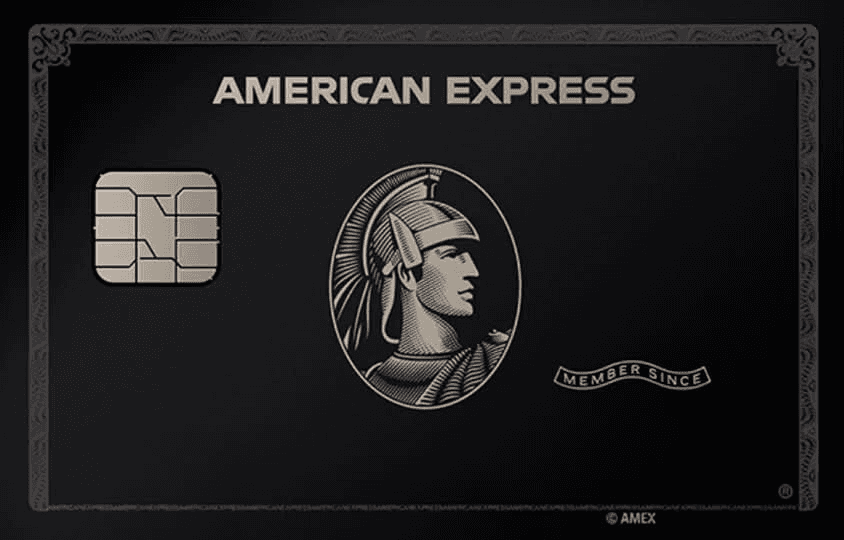
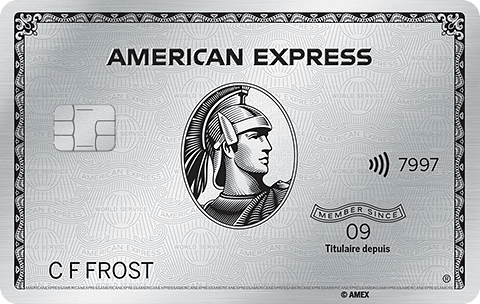
Artwork examples. Independent project.
macOS 14+ · Connected iPhone · Local test build
Two ways to make it yours
Your everyday.
Reimagined.
Card artwork and passcode themes, from one Mac app.

Artwork concept
Artwork examples · No issuer affiliation
The free artwork library
A little more
out of the ordinary.
60 original PNG designs. Pick your favourite. Make it yours.
Explore the library ↗


A few steps.
A little more you.
From a connected Mac to your iPhone.
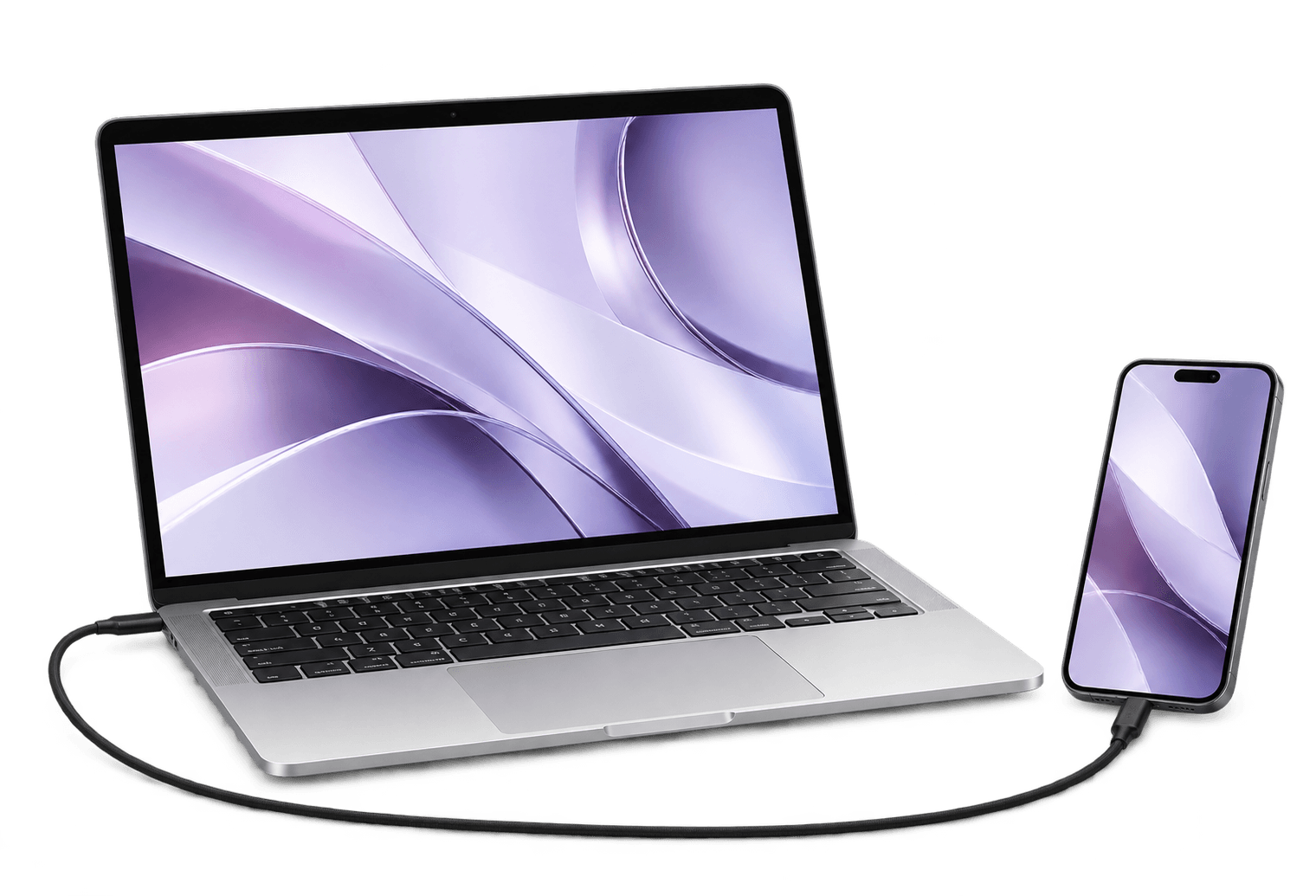
Illustrative setup · Artwork examples
Make it
personal.
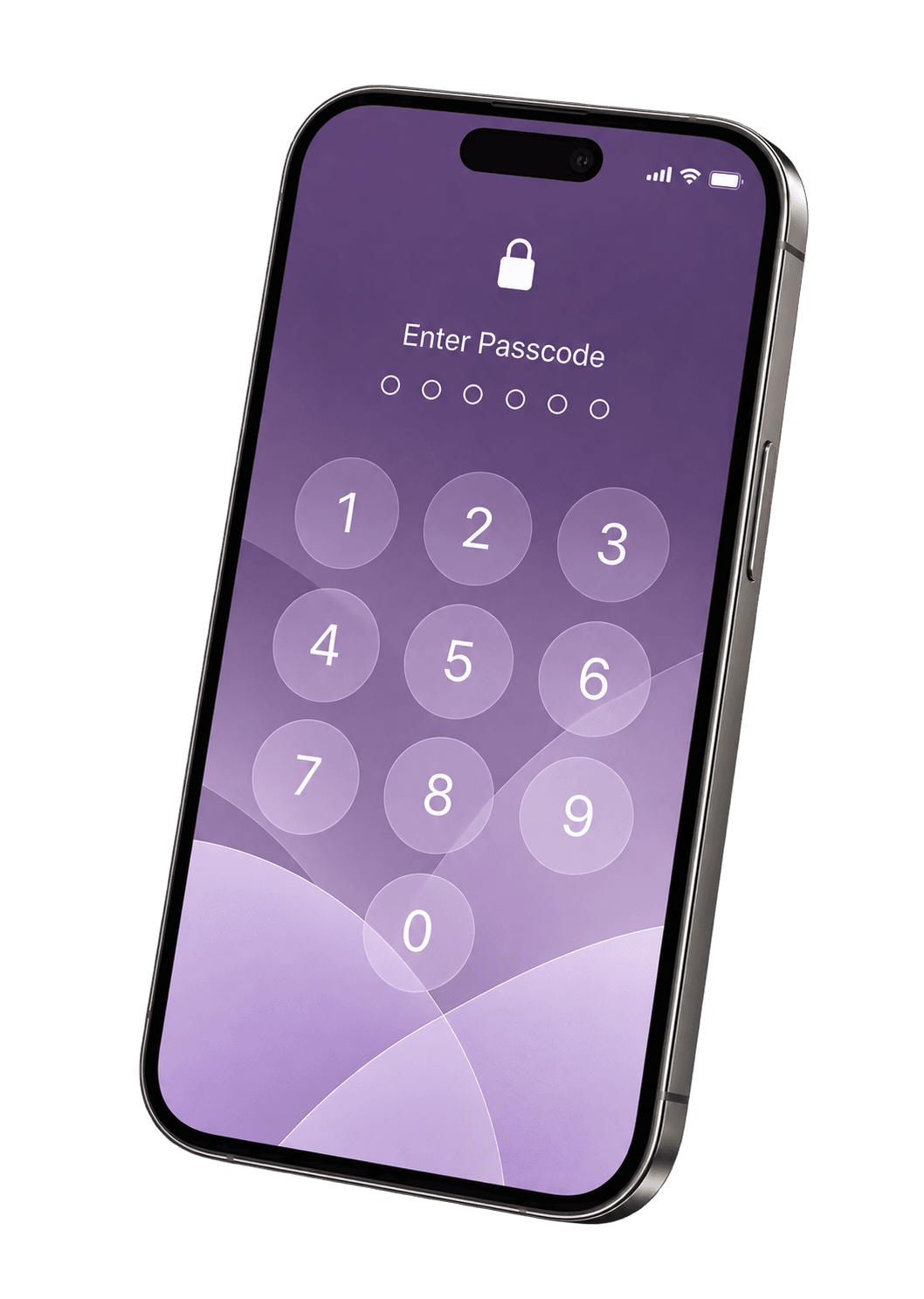
Select an existing Wallet card.Choose and preview your artwork.Or create a passcode theme.
Read the setup guideSend it.
Then check.
Apply from the Mac app.Check the visible result on your iPhone.A transfer report alone is not confirmation.
Read the setup guideChoose and preview in the Mac app. After sending, check the visible result on your iPhone.

Personalize from your Mac
Same card. New personality.
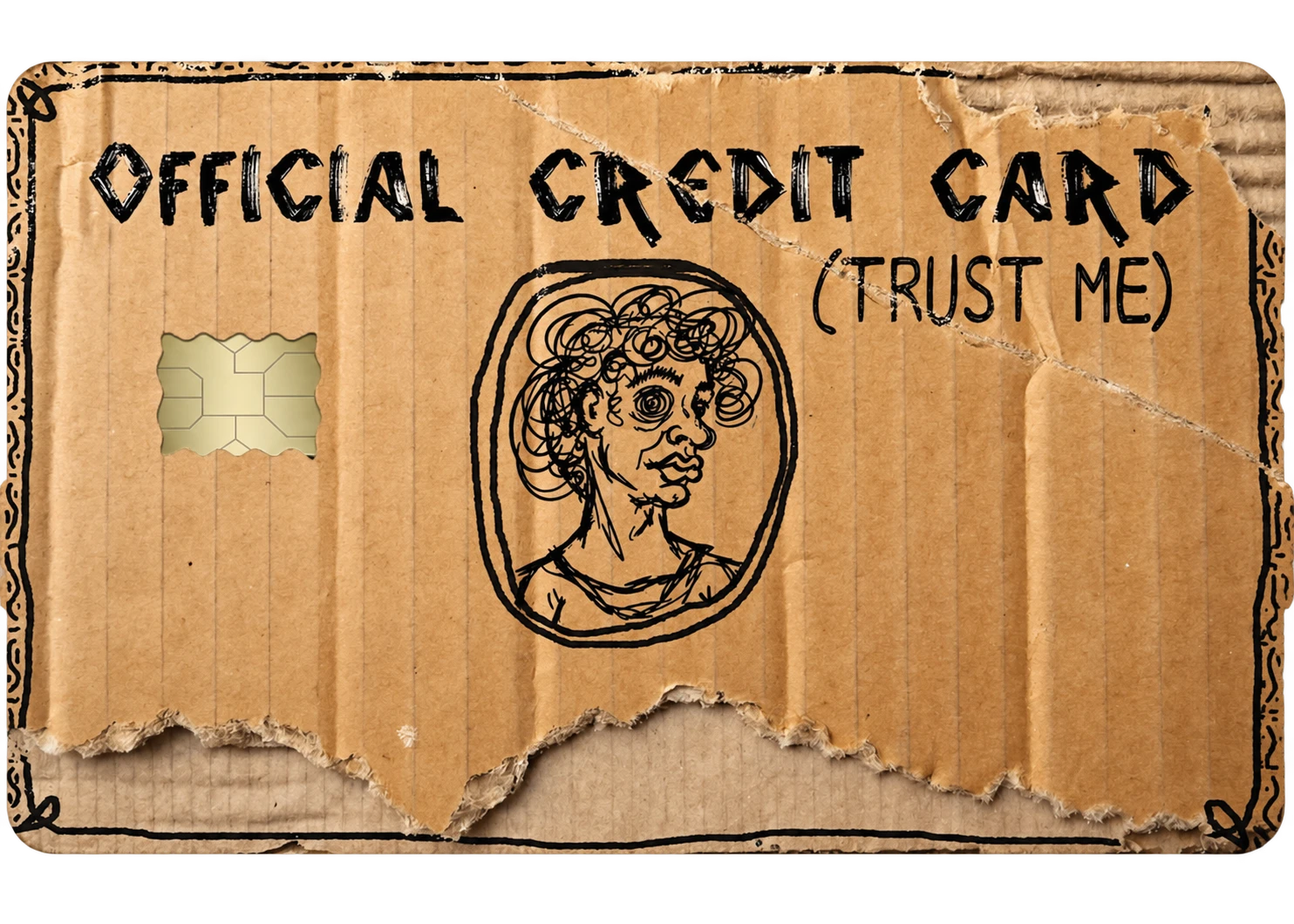
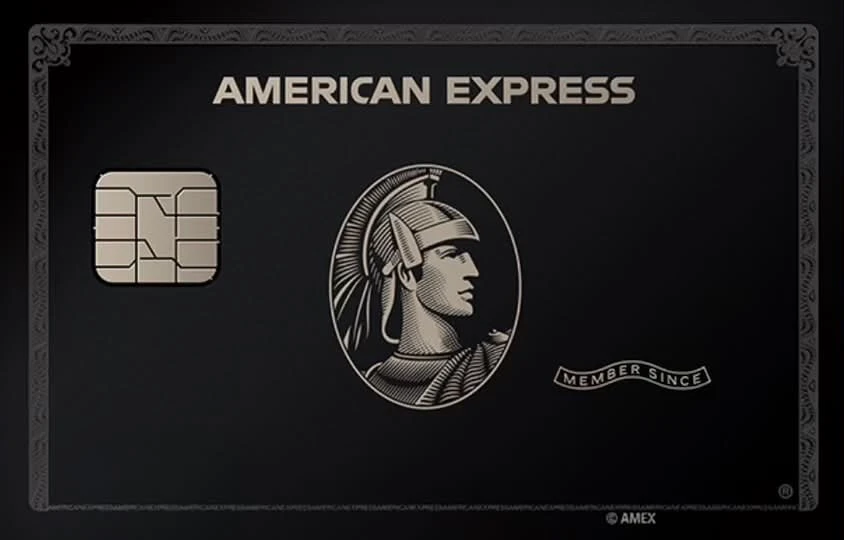


Choose your artwork in the Cardsmaxing Mac app.
Artwork examples. No issuer affiliation.
Before you begin
Good questions.
Clear answers.
- Mac or iPhone?
- Cardsmaxing runs on macOS 14+.
Connect an unlocked, trusted iPhone with a USB data cable. - A new card?
- Only the artwork changes.
Your existing card and its payment permissions stay the same. - Every iPhone?
- Compatibility depends on device, OS and operation.
Check the compatibility notes first.
Your cards.
Your style.
Bring your own artwork. Start on your Mac.
Download the app for Mac nowQA test build. Checkout is unavailable; physical iPhone regression and Intel runtime remain unverified.
Compatibility & test statusArtwork examples. No issuer affiliation.